
右键下面的文件夹就有打开终端的菜单

收藏

支持打开其他终端吗,比如 Alacritty 之类的三方终端

OP
GRDGuardian
It's also shell agnostic. Works equally well when your shell is bash or fish or zsh.
它也是无壳的。无论是用 bash、fish 还是 zsh,这种方法都同样有效。
这是仓库的说明
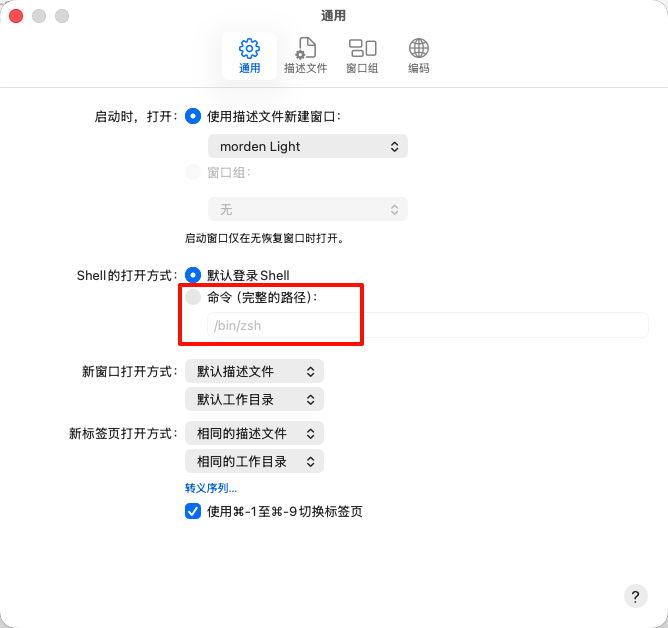
如果是替换了默认终端那估计可以
如果是独立的另一个终端那可能不太行,你试试?
复制
@lin on run {input, parameters}
	tell application "Finder"
		try
			-- 获取当前最前面的 Finder 窗口的路径
			set theTarget to (target of front window) as text
			set currentPath to POSIX path of theTarget
		on error
			-- 如果没有打开窗口,默认指向桌面
			set currentPath to POSIX path of (desktop as alias)
		end try
	end tell

	-- 启动 Alacritty 并指定工作目录
	do shell script "/Applications/Alacritty.app/Contents/MacOS/alacritty --working-directory " & quoted form of currentPath & " > /dev/null 2>&1 &"
end run
弄个 applescript 实现一样的功能,使用方式和这个 cd 一致,
展开 3 条评论
感谢分享,现在有很多第三方访达管理国家自带
发表一个评论
R保持
感谢分享 👍