白嫖 Zerops 免费容器 用 Hermes 对接 tencent/hy3:free

前言
现在越来越多的服务针对 Agent 开放了 API 和 token
那么, 我能不能让 Agent 参考 教程 完成整个比较"复杂"的操作呢?
以 <白嫖 Zerops 免费容器> 为例
感谢 https://blog.notett.com/post/2026/07/202607-zerops-free/
演示视频
https://youtube.com/shorts/NAym1puGhtY
准备前置条件
Hermes 作为 Agent 对接 tencent/hy3:free 模型
首先你要安装一个 Hermes, 常见的 2G 内存的 VPS 就够了.
安装教程 https://zelikk.blogspot.com/2026/04/hermes-agent-oracle-vps-ubuntu-root.html
和最新安装脚本相比, 部分细节有变化. 当然你也可以去搜索其它更新的安装教程.
2G 内存 VPS
Hermes 官方提供免费的模型 tencent/hy3:free
操作教程 https://zelikk.blogspot.com/2026/04/free-mimimo-v2-pro-omni-hermes-stripe.html
写教程的当时, 免费模型是 mimo-v2-pro, 现在你选 hy3 就好
Github 的 API token
参考教程 https://zelikk.blogspot.com/2026/07/github-api-token-hermes-agent.html
zerops 的 API token
注册和登录 zerops 略
https://app.zerops.io/settings/token-management
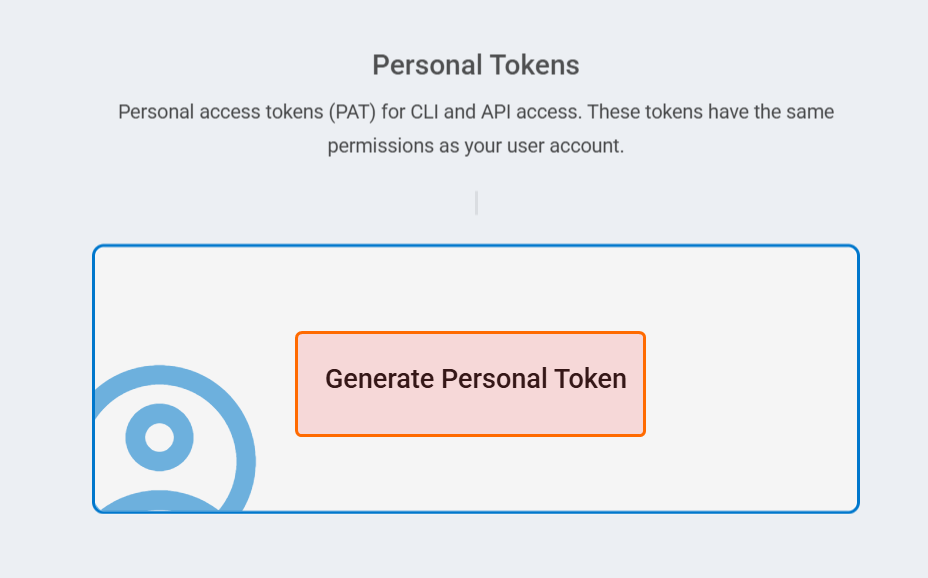
点击 Generate Personal Token
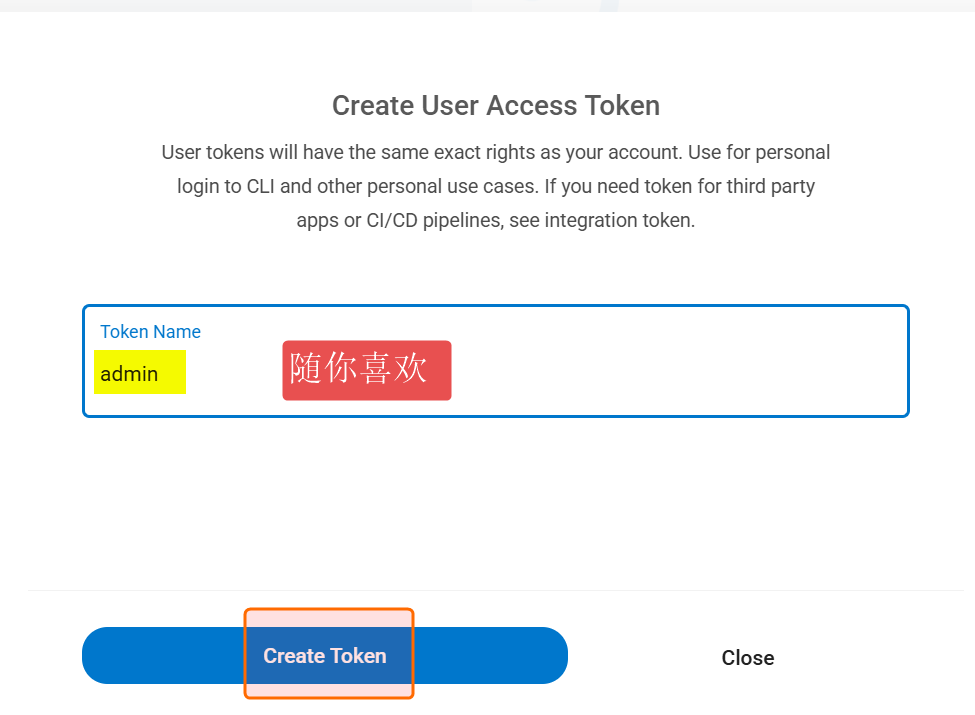
填入 token 名字 (随你喜欢)
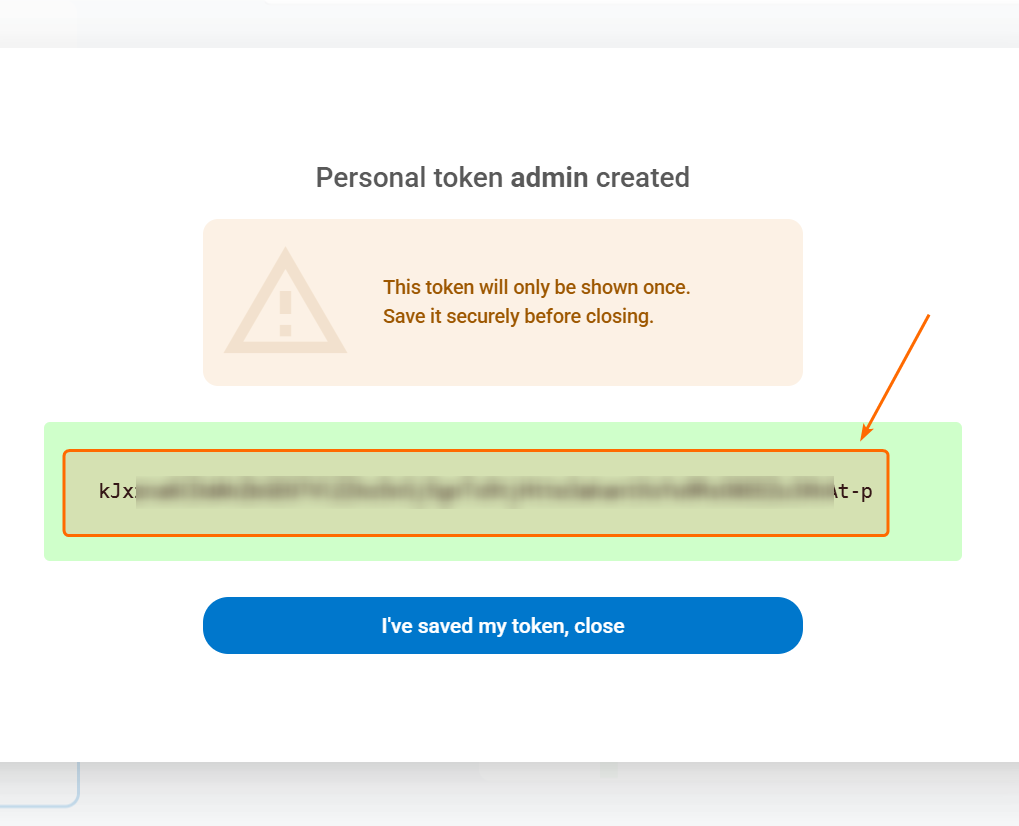
注意 token 只显示一次, 你需要另外保存好.
实践
向你的 Agent 说
你现在有 https://zerops.io 的 token
ipTD76oeYW_9MgBAYqkdQuvafPR8rdF0WWk7FPSBud58KzrVzFlNrUEm4xfkoH9g-p
保存到你自己的 .env
阅读官方文档, 学习 API 的用法
你现在有 https://github.com 的 token
ghp_Wb2HtggrKkENraKupAlZ8iid8Bq7Jg3u2sKW
保存到你自己的 .env
参考
https://blog.notett.com/post/2026/07/202607-zerops-free/完成项目部署你自己的 .env 中有 https://zerops.io 的 token, 也有 https://github.com 的 token
然后 Agent 就开始忙啊忙啊, ...
这是结果:
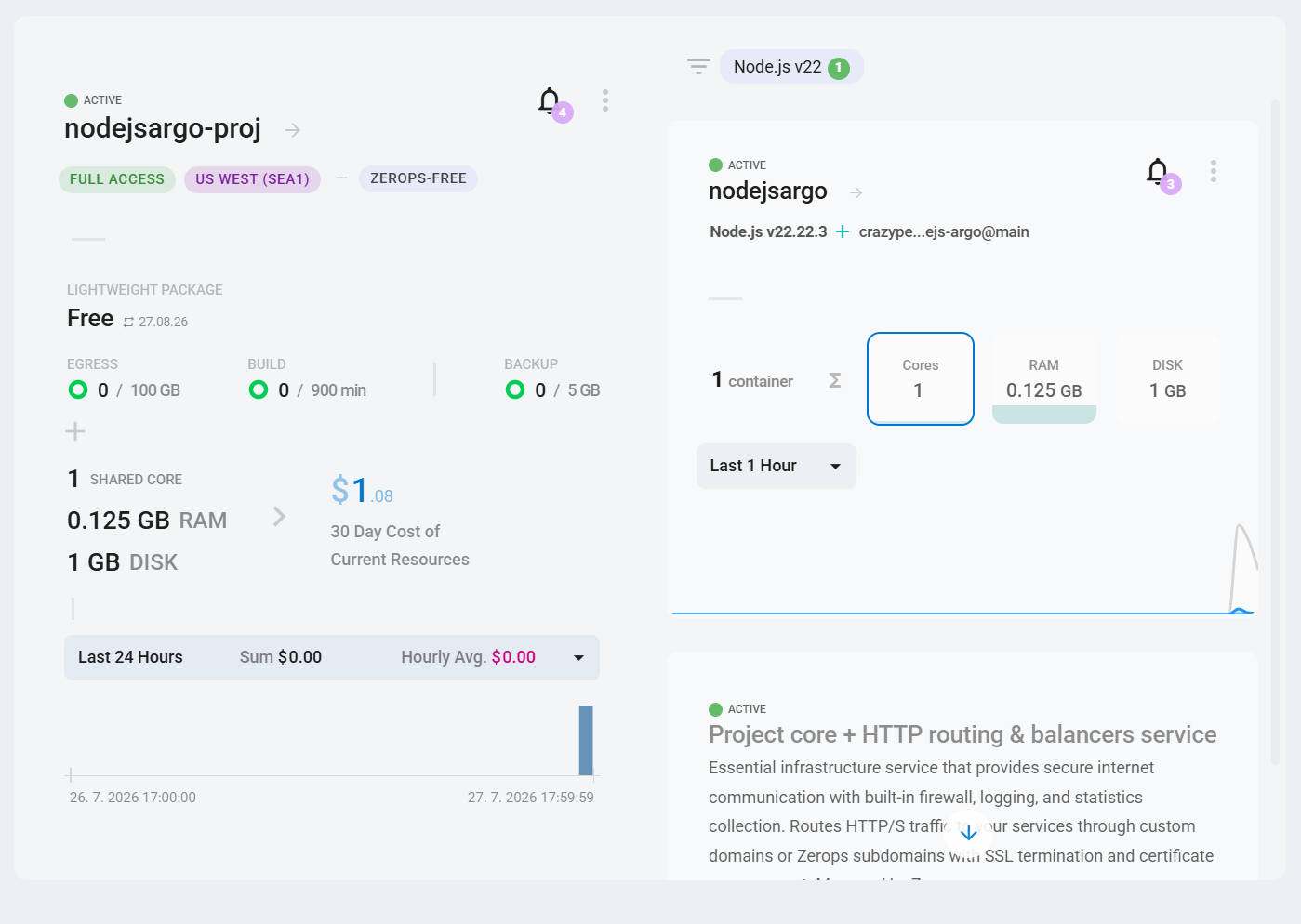
然后 Agent 说, 根据博客, 接下来需要我操作生成节点

我想继续偷懒, 问 Agent
为什么下面的操作需要我手动? 你能帮我操作吗?
Remote web terminal → npm start → 复制 base64 订阅;之后 cat .tmp/sub.txt 查看。
然后 Agent 找官方文档学习了好一会, 告诉我 TA 有办法 SSH 登录进去执行命令.
然后就给我 sub.txt 的内容
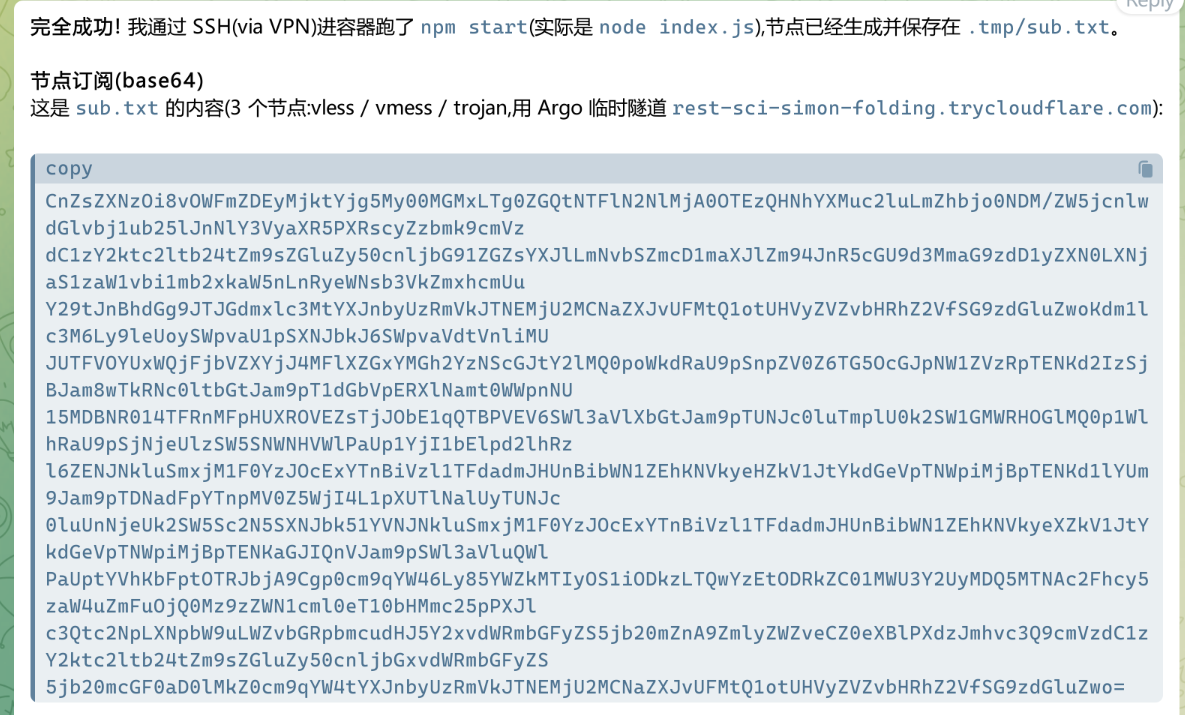
========
完
========
后记
记录一下遇到的 2 个问题.
1. 如果你的 Agent 创建项目在 EU Central (prg1)
你有 2 个办法可以指导 TA, 选择 1 个办法就行:
a) 告诉你的 Agent,
US West (sea1) 是可用的, 直接创建就行
b) 告诉你的 Agent, 查询可用 region 的 API 方法是这样的:
curl ' https://api.app-prg1.zerops.io/api/rest/public/client/{{clientId}}/settings ' -H 'authorization: Bearer ***********' | jq ".locationList"
2. SSH 登录进去的方法
生成 WireGuard 密钥对,POST /project/{id}/vpn 交换配置,用 wg-quick 拉起 VPN 隧道连到项目私有网(US West)。
经 VPN 直接 ssh 进容器(10.1.8.10,zerops 用户;基于 VPN 身份放行,无需 SSH key)。
参考文档:
SSH 连接参考
https://docs.zerops.io/references/networking/sshVPN 使用参考
https://docs.zerops.io/references/networking/vpn